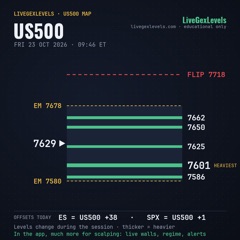
LiveGexLevels App · Episode 1
How to Sign Up for LiveGexLevels and Start the Free Trial
 Play the video · 3:20
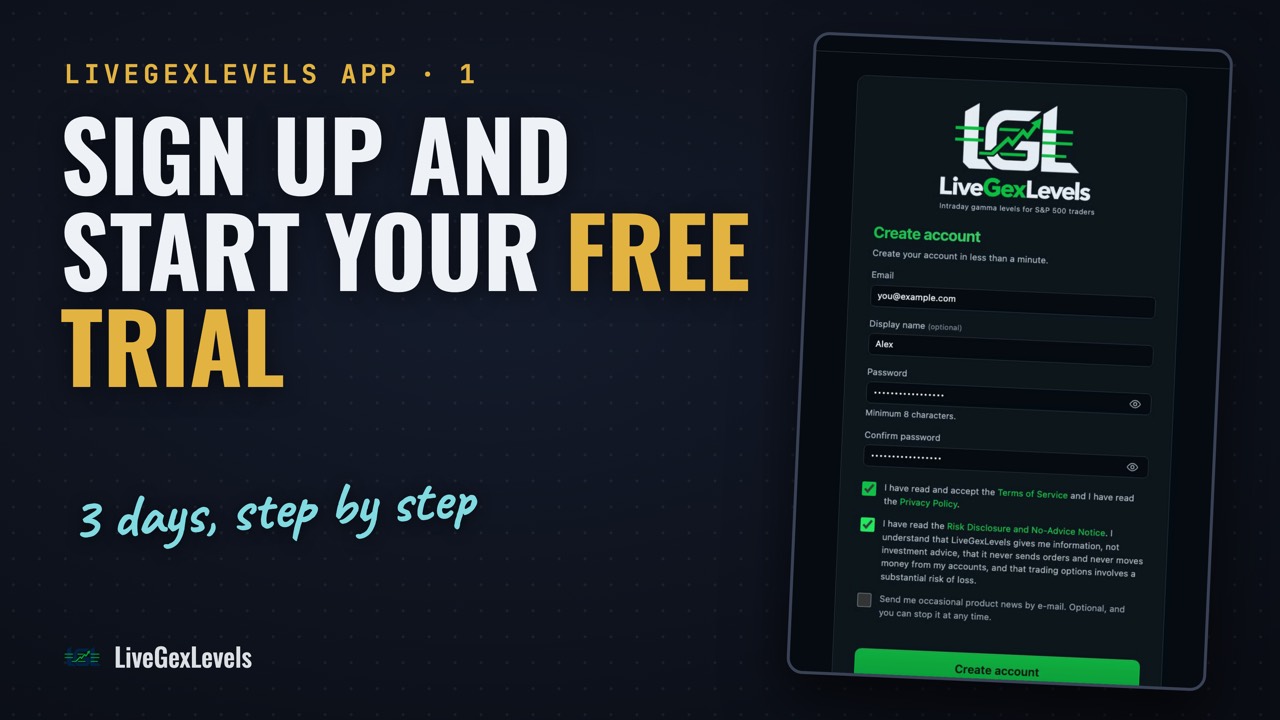
The first episode of the LiveGexLevels app series, one screen at a time, recorded on the real app. Create your account (email, an optional name, a password of at least 8 characters, two required boxes: terms and privacy, and the risk notice), confirm your email within 24 hours, then start the free trial: the card goes on Stripe's secure page and we never see its details. After the trial the subscription starts and is billed monthly; cancel before the trial ends and you pay nothing. One trial per customer. Then open the levels: a short guided tour shows the three panels, US500, US500 Context and Macro. Education, not advice: you decide, and you trade with your own broker.
For information only. Not financial advice or an investment recommendation. Trading involves risk of loss. Risk disclosure ↗︎
Chapters
Transcript
Show the full transcript
The narration of the video, as text.
The question
A few minutes, and you're looking at live levels. Here's how to sign up for LiveGexLevels, from the first click to the first chart.
Welcome
Welcome to the LiveGexLevels app series: one screen at a time. One note: languages are dubbed automatically, so the voice may sound a bit odd. This is education, not advice: you decide, and you trade with your own broker.
Create your account
Go to livegexlevels dot com, and press Sign up. Your email, a name if you like, and a password of at least eight characters, twice. Two boxes are required. The first: the terms and the privacy policy. The second: the risk notice. We give you information, not advice, we never send orders, and we never move money from your trading accounts. The third box, product news, is optional. Press Create account. Prefer Google? Tick the two boxes first, then sign up with Google.
Confirm your email
We send you a confirmation link. Open it within twenty-four hours. Nothing in your inbox? Check the spam folder, or press Resend email. Once it's confirmed, sign in.
Start your free trial
After you sign in, you land on your plan. One box first: you ask for the subscription to start right away. If you change your mind within fourteen days, you pay only for the days you used. Then press the button that starts the free trial. The card goes on Stripe's secure page: we never see the number. After the trial the subscription starts and is billed monthly. Cancel before the trial ends, and you pay nothing. One trial per customer.
You're in
Back on LiveGexLevels, your plan turns active after a moment. Press Open the levels. A short guided tour starts by itself: it shows the three panels, US500, Context and Macro. You can restart it anytime from the header. In the next video, we take that tour together, panel by panel.
Up next
If something didn't work for you, tell us in the comments: we read them. Seeing where dealers have to hedge is information a chart alone doesn't give you. Your edge starts with preparation. To see the levels live, sign up on the platform. There's a launch price, and you keep it for as long as you stay subscribed. And there's a free trial.